
Rank and Rent Website Examples
What is on each example page
| Page | Targets | Key parts |
|---|---|---|
| Home page | "Kitchen remodeling Reno" | City in the H1, quote form above the fold, trust strip, services, areas |
| City page | "Kitchen remodeling Sparks" | Breadcrumb, city H1, local checklist, permit office, license rule |
| Cost calculator | "Kitchen remodel cost Reno" | Size, level and extras; a price range for the state |
| Service pages | Each service + city | Own H1, prices, FAQ, links to city pages |
All pages are from the live sample. Each site is built from your own niche, services and cities.
Example 1: the home page
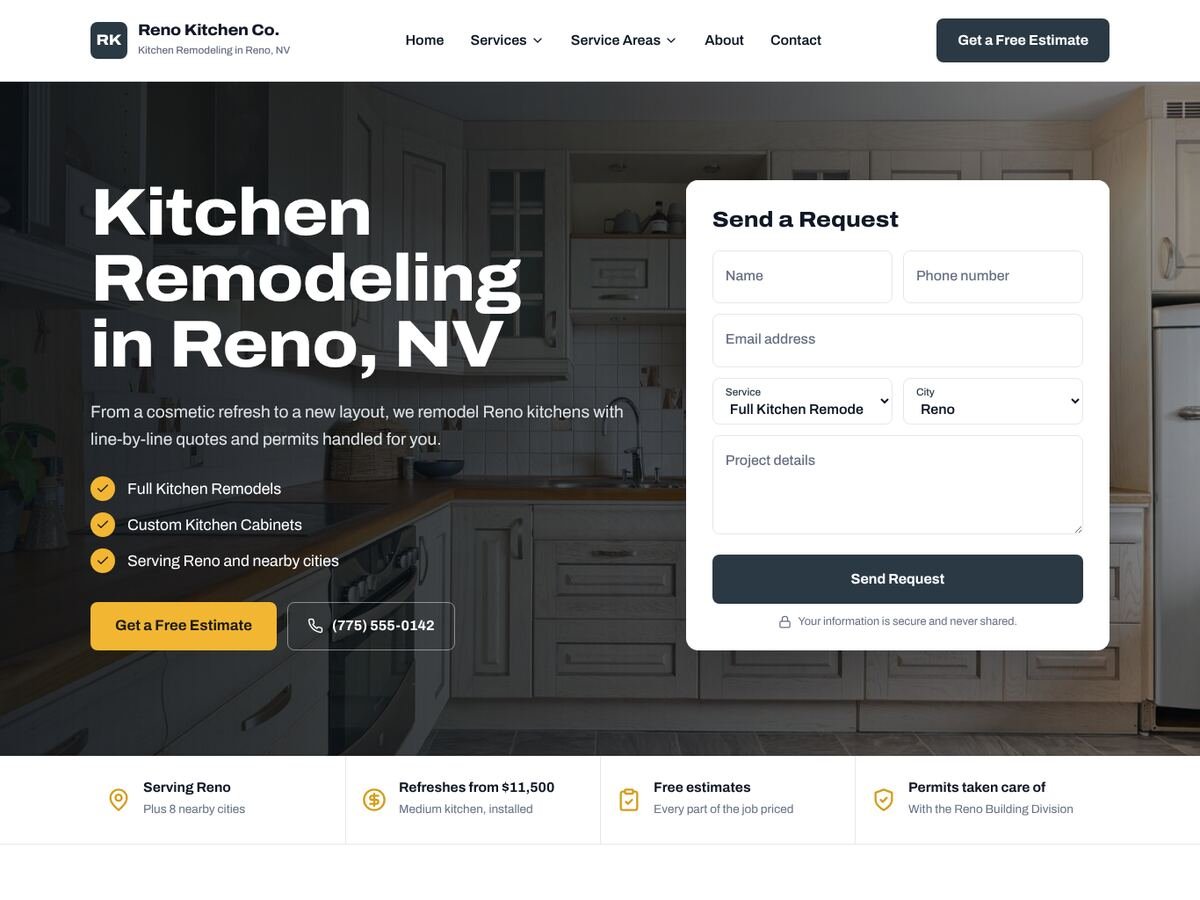
The home page targets the main keyword, "kitchen remodeling in Reno, NV", in the H1. The quote form sits right next to it, so a visitor can ask for a price without scrolling. Below the hero a trust strip covers the service area, starting price, free estimates and permits, the four questions homeowners ask first.
- Check-list of the main services with links to their pages
- Phone number in the header and a sticky call bar on mobile
- Links to every city page, so Google finds the whole site
Example 2: a service area (city) page
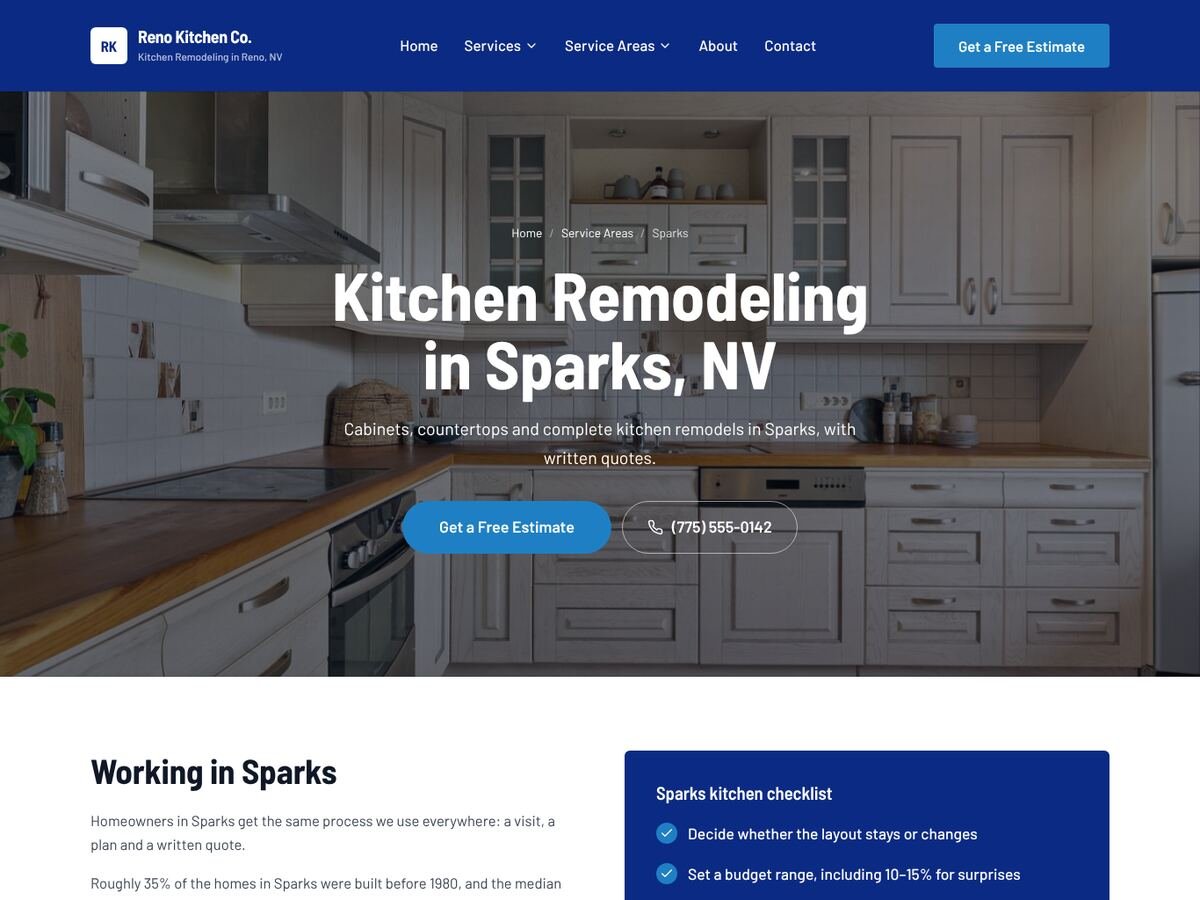
The Sparks page targets "kitchen remodeling in Sparks, NV". It is not the home page with the city swapped: it has a Sparks checklist, the permit office that handles Sparks, the Nevada license rule and local housing facts. That is the difference between a city page that ranks and a doorway page. More in how to build service area pages.
Example 3: the cost calculator
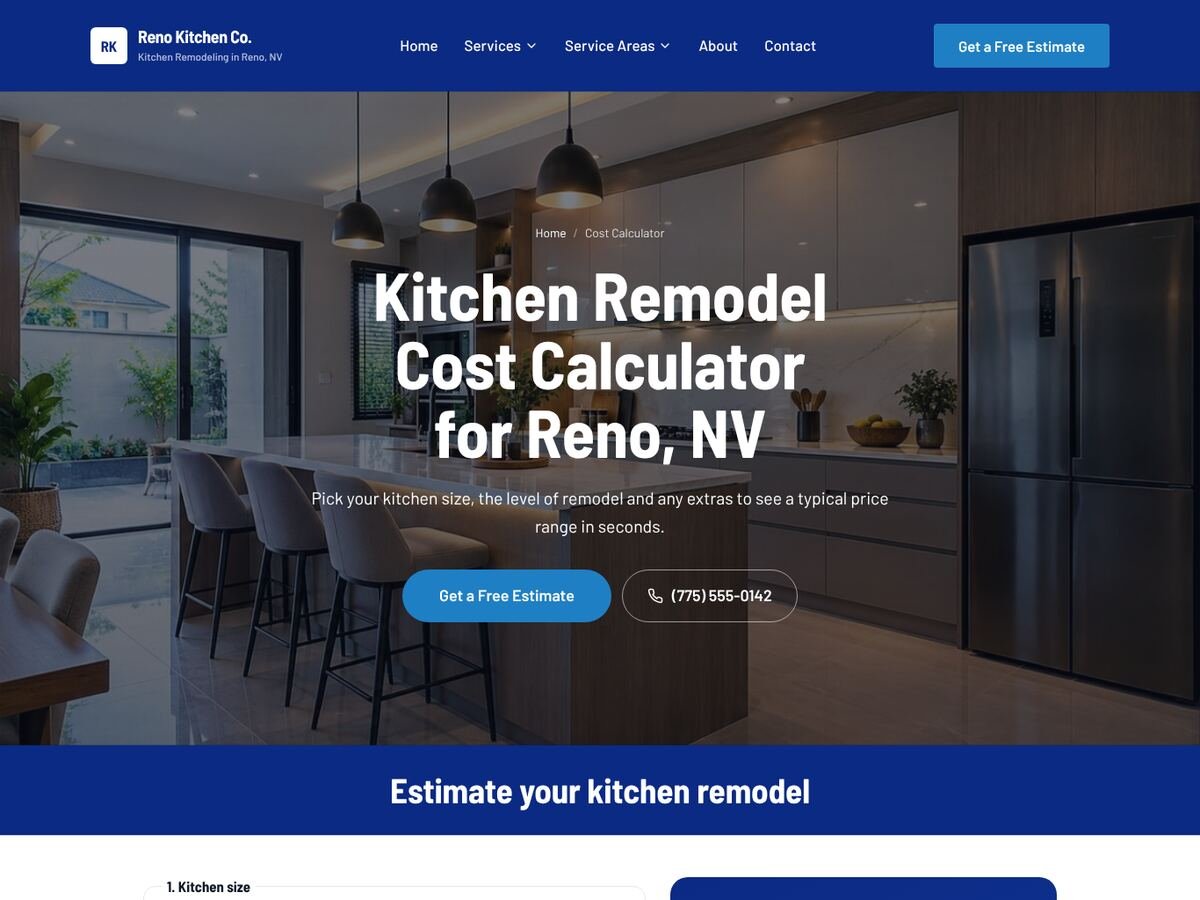
"How much does it cost" is the first question for high-ticket jobs. The calculator lets visitors pick their kitchen size, the level of remodel and extras, and see a typical price range adjusted to Nevada. It earns links, keeps visitors on the site and ends with the quote button.
The same site in other designs
Every SetToRank site can use any of these designs, all built with Elementor, so you can edit anything later:
- Photo Hero: full-width photo with the quote form at the top
- Classic Blue: royal-blue header and blue section bands
- Editorial: cream pages and serif headlines
- Elegant Studio: light, premium and rounded
What every good rank and rent example has in common
- One page per service and per city, each with its own keyword
- A form and phone number above the fold on every page
- Local facts that are true for that city
- A generic brand that fits any business in the trade
- Fast, mobile-first pages with click-to-call
Rank and rent examples FAQ
Can I see a full rank and rent site before building one?
Yes. The sample site is live: open the home page, any city page and the calculator. Then build your own for free and see every page before you pay.
Are these real sites or mockups?
They are live pages served by SetToRank from the same engine that builds customer sites, with a sample business and phone number.
Do I own a site built with SetToRank?
Yes. It is a normal WordPress site with Elementor pages and its own login. Host it with SetToRank on your own domain, or publish it to your own WordPress hosting.
Can I try SetToRank before paying?
Yes. Build your full site for free and look at every page. You only choose a plan when you want to publish it.
See your own site before you pay
Pick a niche and a city. SetToRank builds every page for free, so you can judge the result yourself.
Build my site free →